Coming to the Microsoft Store
Collage Maker Many photos, one picture.
Drop photos in, pick a grid layout and save a PNG or JPG with no watermark. Everything stays on your PC. No upload, no account.
Not on sale yet. The app is still being built.
We will link the Store listing here the day it is live. Until then there is nothing to download.

- Works offline
- No account, no ads, no tracking
- No watermark
- Free
See it
Eight views. One collage, saved.
Start
Drop photos, or add them
Layouts
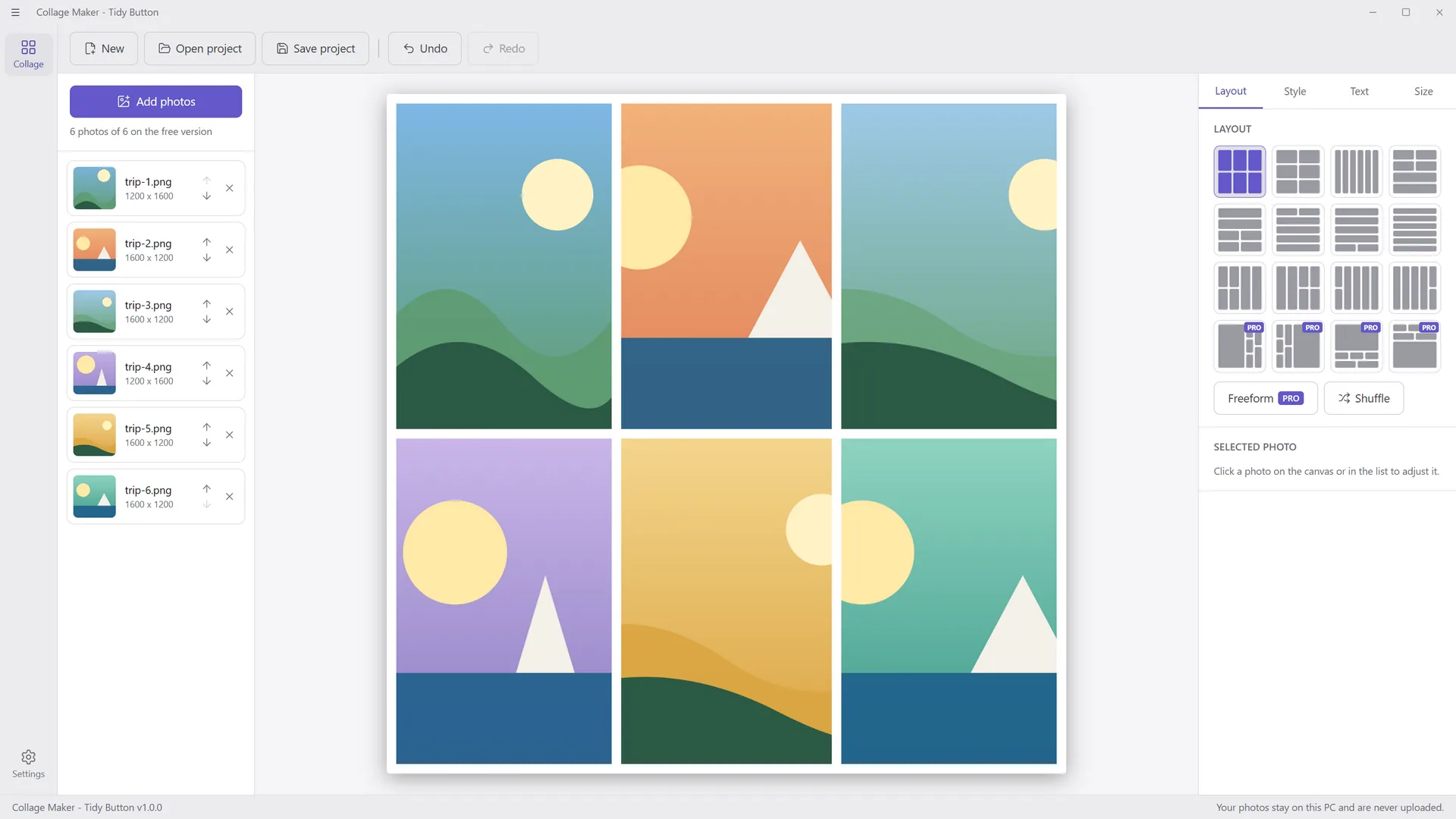
Pick a layout that fits your photos
Style
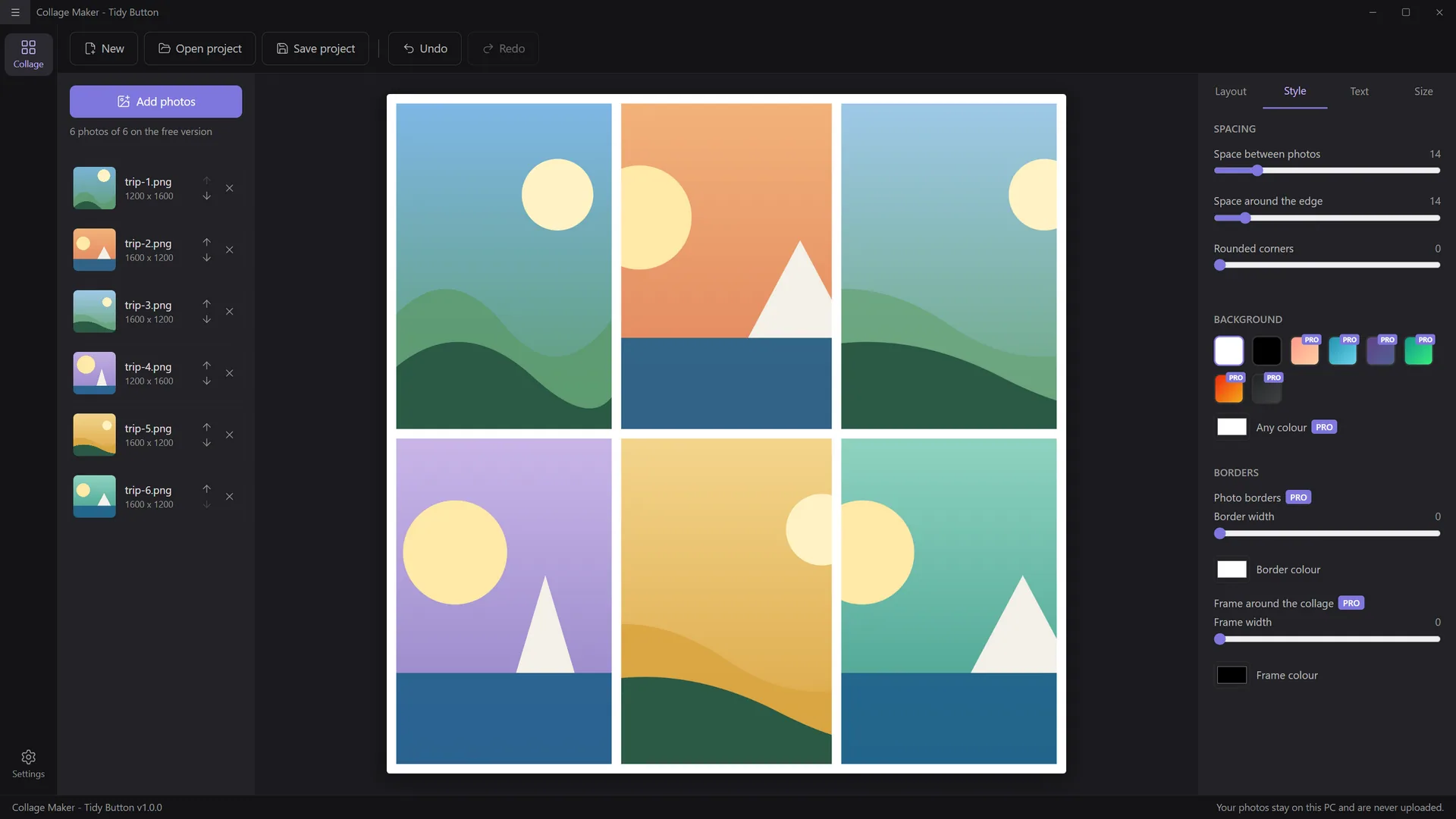
Spacing and rounded corners
Save
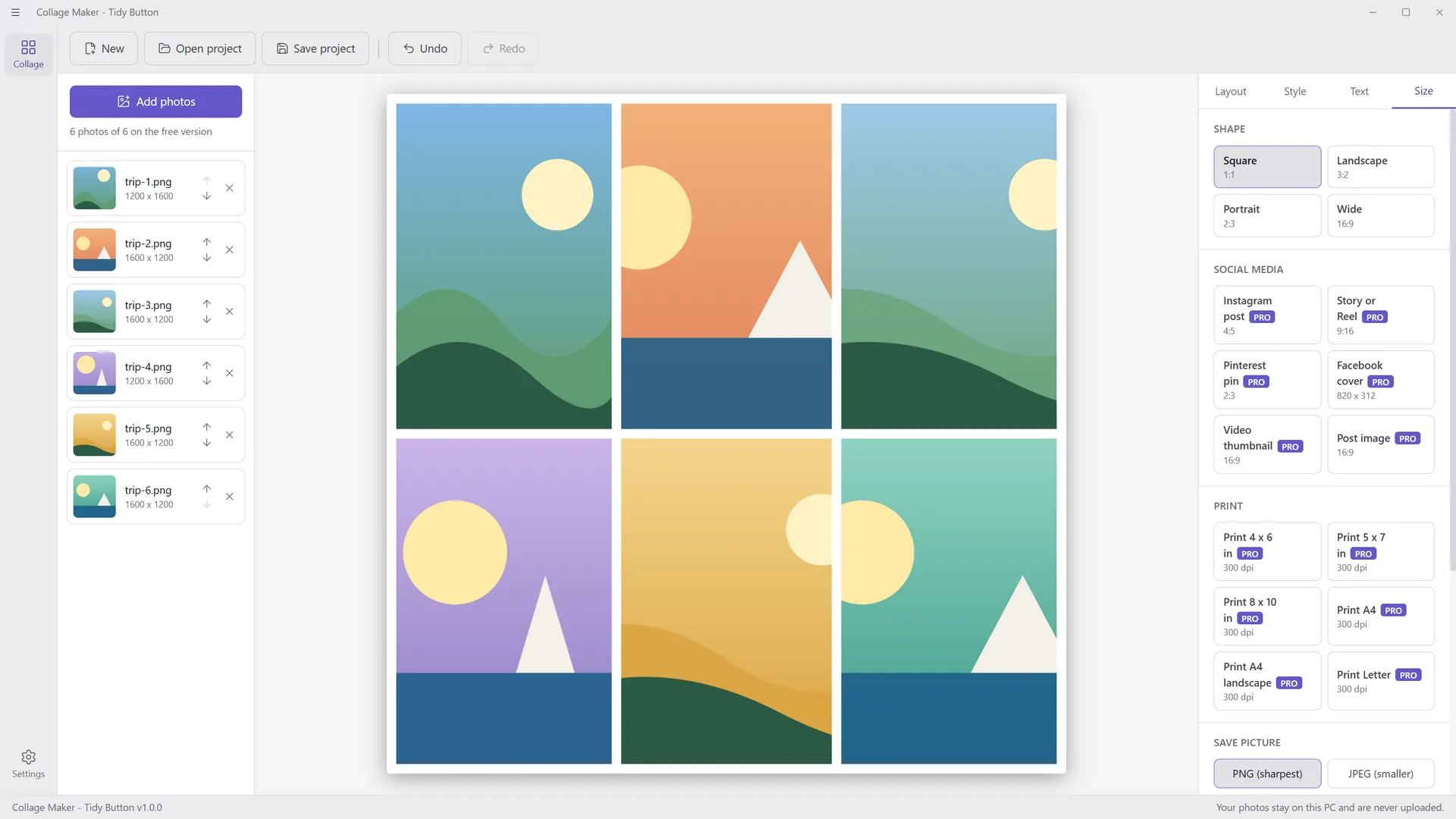
Save as PNG or JPG, no watermark
Free and Pro
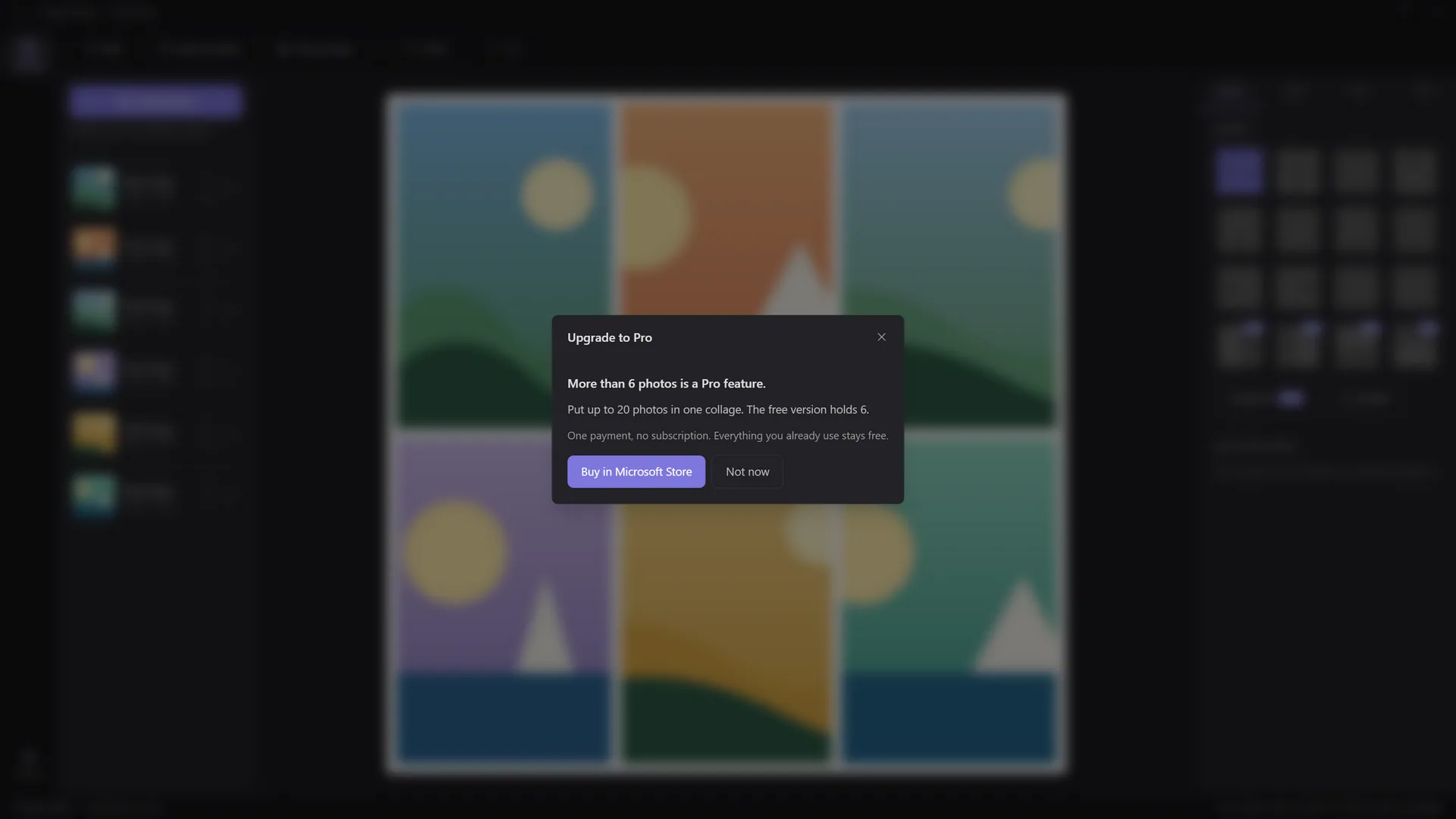
Six photos free; more are Pro
Feature layout
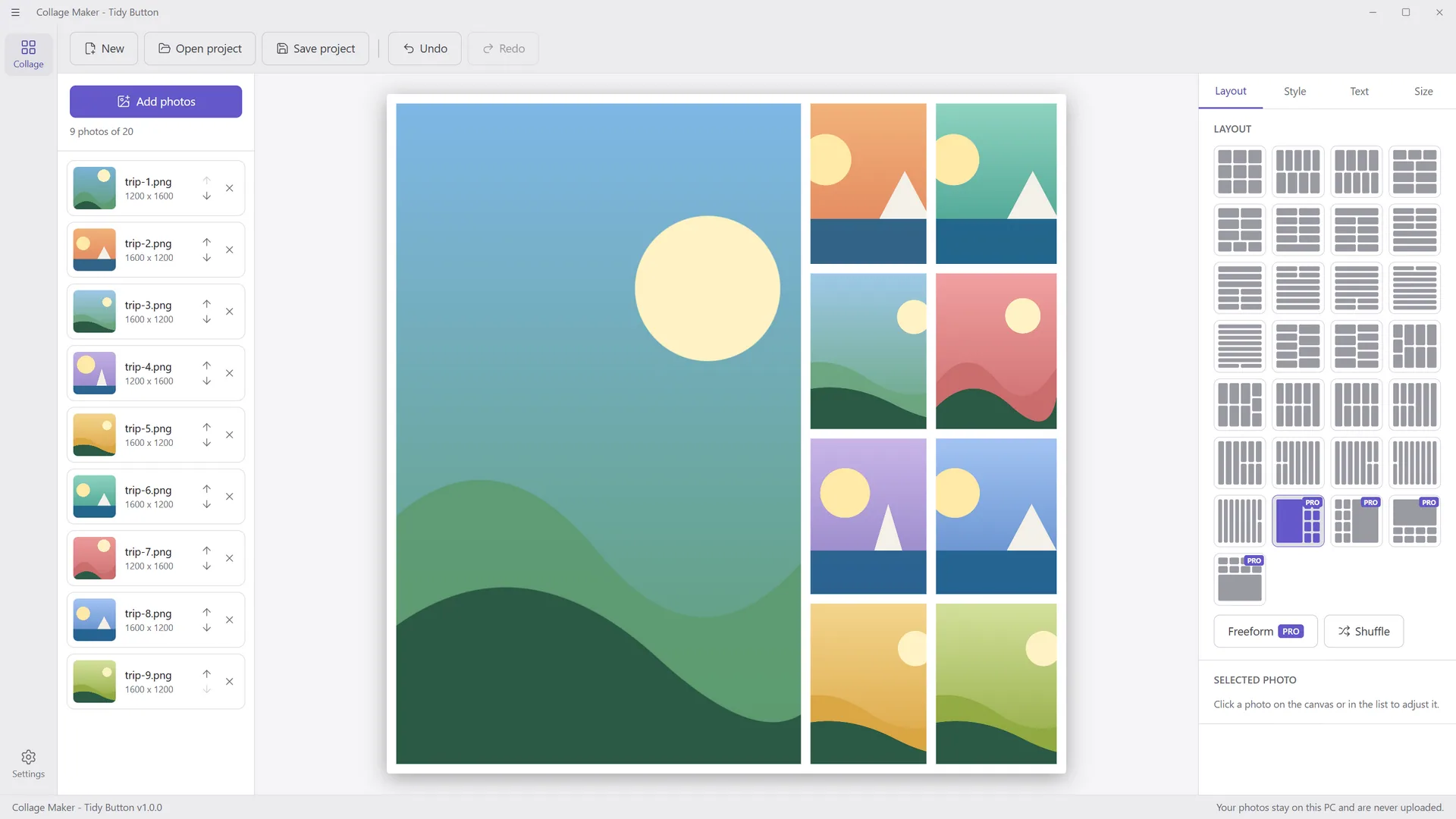
One big photo with the others around it
Text and background
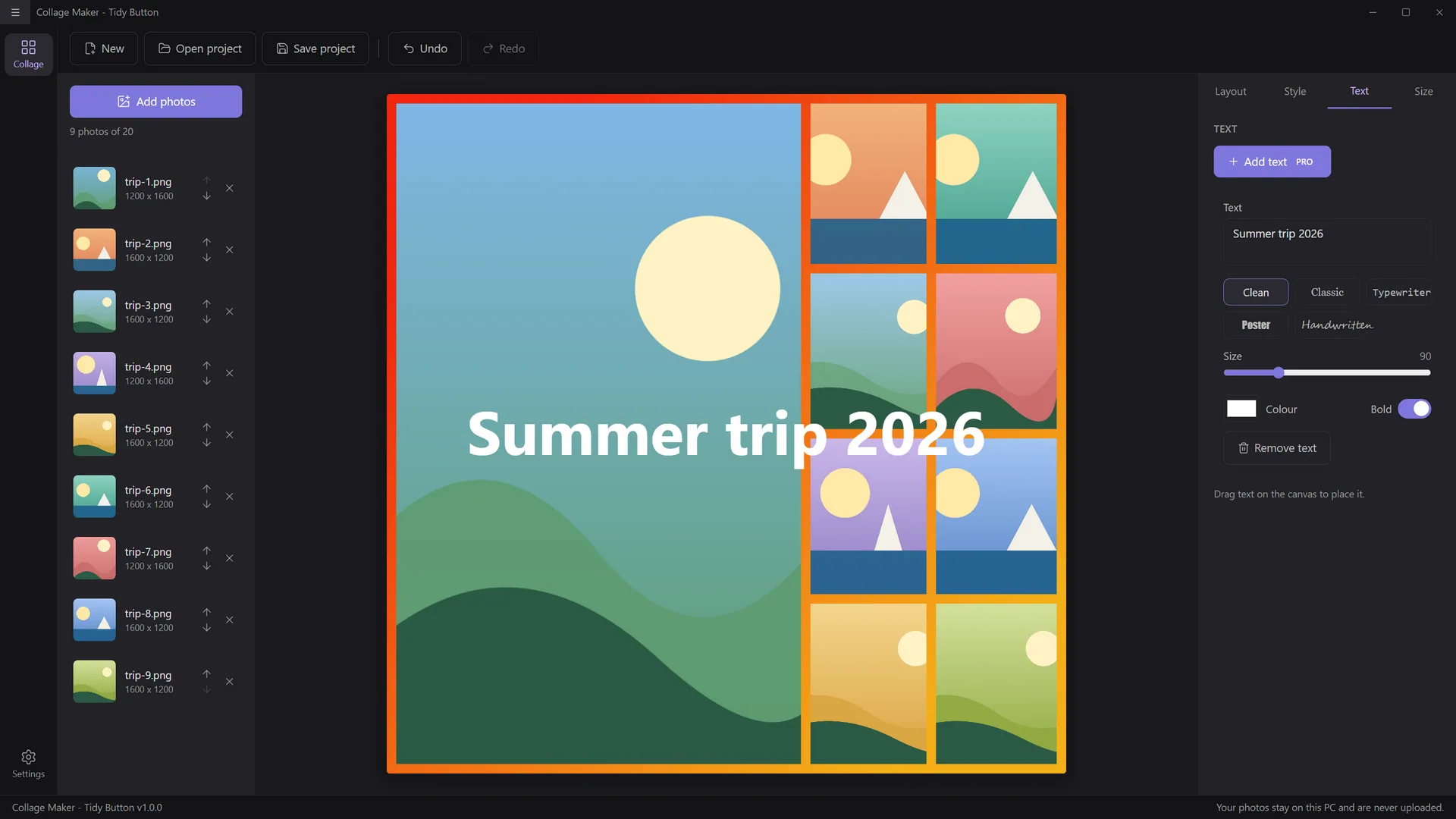
Text, gradients and a frame
Freeform
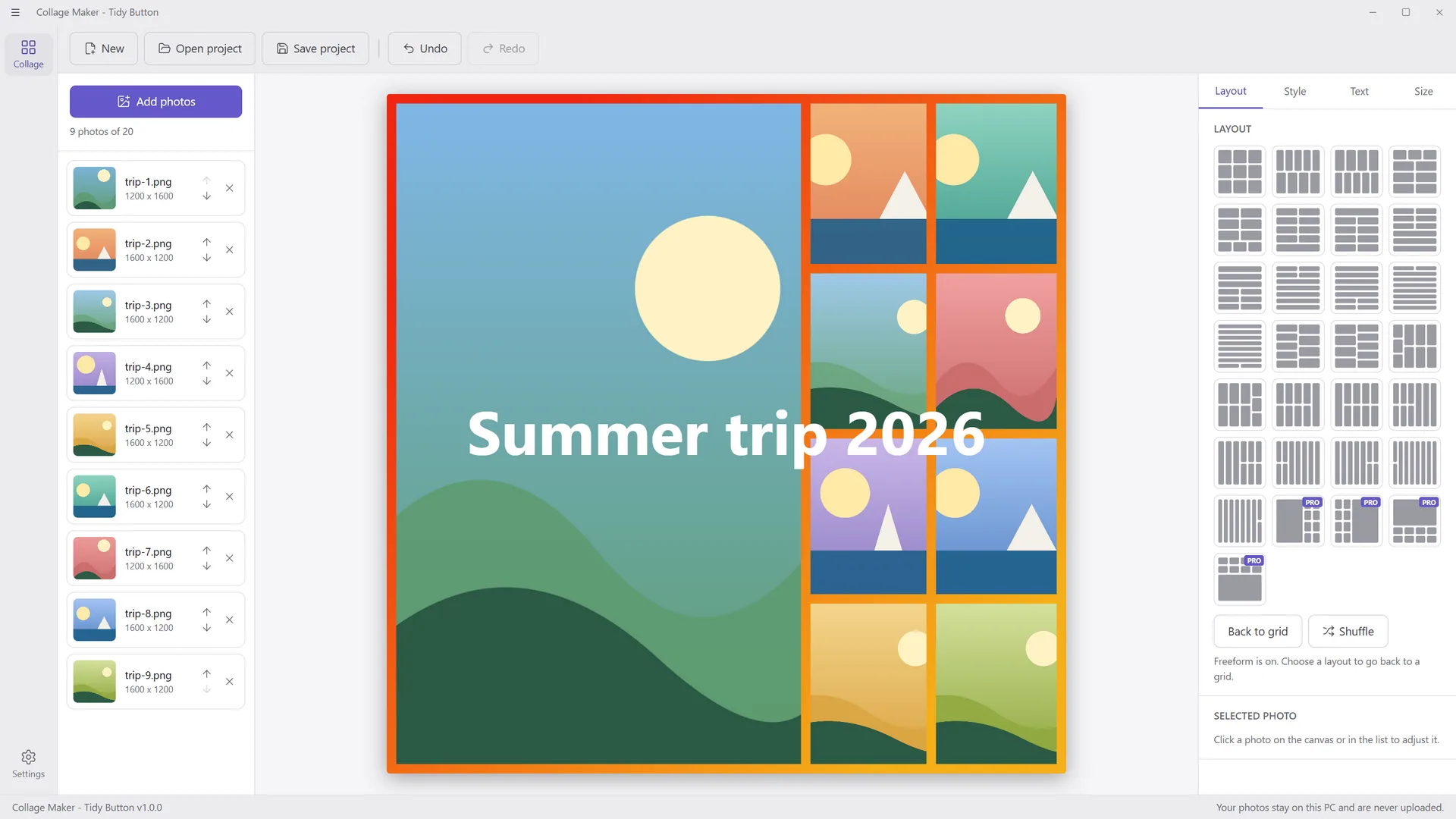
Move, resize and rotate photos
Screens show a demo folder, not a real PC. The app has light and dark themes.
What it does
What it does.
Collage Maker puts several photos on one picture. Drop photos in, pick a grid layout and watch the collage change as you set spacing, margins and rounded corners. Save a PNG or JPG with no watermark. Everything happens on your PC, and the file is checked after it is written.
Grid layouts
Every sensible grid for the number of photos, in a square, landscape, portrait or wide picture.
Style it
Space between photos, space around the edge and rounded corners, with a live preview.
Edit each photo
Move and zoom a photo inside its cell, rotate it, reorder photos, and undo or redo anything.
Save with confidence
PNG or JPG with no watermark. The file is read back and checked before the app says Saved.
Project files
Save a project and open it later to finish the collage.
More with Pro
Up to 20 photos, freeform and feature layouts, text, gradients, borders, social and print sizes.
The small print, in plain English
Safe by design.
- Nothing is uploaded. Your photos are read on your PC and never leave it.
- Your original photos are never changed or deleted.
- No watermark and no monthly fee.
- The free version holds up to 6 photos in a collage and saves up to 1920 pixels.
- Works offline. No account. No ads. No tracking.
Good for
Handy for albums and posts.
- A family or holiday photo collage
- Listing and product pictures
- A social media post
- A printable sheet of photos
Questions
Plain answers.
Is anything uploaded?
No. Your photos are read on your PC and never leave it. The free app works with the internet turned off.
Is there a watermark?
No. Not in the free version and not in Pro.
How many photos can I use for free?
Up to 6 in a collage, with every plain grid layout, and export up to 1920 pixels on the long side.
Does it change my photos?
No. Your originals are only read. The collage is saved as a new file in the place you choose.
What does Pro add?
A one-time add-on for up to 20 photos, freeform and feature layouts, any background or gradient, borders and a frame, text, social and print sizes, and export up to 8000 pixels.